






The term "hidden router" encompasses several critical security concepts that every network administrator and home user should understand in 2026. From routers deliberately configured to hide their presence to devices containing hidden vulnerabilities, backdoors, or debug code, these issues represent significant threats to network security. Understanding what makes a router "hidden" and the associated risks enables better decision-making when securing your digital infrastructure.
Understanding the Concept of a Hidden Router
A hidden router can refer to multiple scenarios within network security. The most common understanding involves routers configured to hide their SSID (Service Set Identifier), making the network name invisible to casual observers. However, the concept extends far beyond this basic configuration.
Hidden routers also include devices with concealed firmware vulnerabilities, undisclosed backdoors, or proprietary code that creates security gaps. These hidden elements pose far greater risks than simply broadcasting or hiding your network name. Recent discoveries have revealed that critical vulnerabilities in TP-Link routers stem from hidden debug code, demonstrating how manufacturers sometimes leave dangerous access points within their products.
The SSID Hiding Myth
Many users believe that hiding their Wi-Fi network name provides substantial security benefits. This perception stems from the logic that what cannot be seen cannot be attacked. Unfortunately, this assumption is fundamentally flawed.
Why SSID hiding fails as a security measure:
- Network scanning tools easily detect hidden networks
- Devices still broadcast probe requests containing the SSID
- Hidden networks can actually create usability issues
- Security professionals unanimously recommend against relying on this method
Research consistently shows that hiding your Wi-Fi SSID does not enhance security and may cause unnecessary inconvenience for legitimate users. The network continues to transmit data, and sophisticated attackers can identify hidden networks within seconds using readily available software.

Hidden Vulnerabilities in Consumer Routers
The more concerning aspect of hidden routers involves security flaws that manufacturers and Internet Service Providers (ISPs) may not adequately disclose or address. These vulnerabilities create opportunities for malicious actors to compromise entire networks.
ISP-Supplied Router Risks
Internet Service Providers commonly provide routers to customers as part of their service packages. Whilst convenient, these devices often harbour hidden risks that users rarely consider.
| Risk Factor | Description | Impact Level |
|---|---|---|
| Default Credentials | Pre-set usernames and passwords rarely changed by users | Critical |
| Outdated Firmware | Infrequent updates leaving known vulnerabilities exposed | High |
| Limited Configuration | Restricted access to advanced security settings | Medium |
| Vendor Lock-in | Proprietary features limiting security customisation | Medium |
The hidden risks of ISP-supplied routers include default administrative credentials that remain unchanged, firmware that receives infrequent updates, and configuration options that prioritise ease of use over security. These factors combine to create devices that may function adequately but fail to provide robust protection against determined attackers.
Budget Router Security Concerns
Cost-conscious consumers often opt for inexpensive routers without understanding the security trade-offs. Low-cost routers present significant security risks including weak firmware, minimal security features, and prolonged periods between security patches.
These budget devices may contain a hidden router vulnerability simply through neglect rather than malicious intent. Manufacturers operating on slim profit margins often lack resources for comprehensive security testing and long-term support. The result is devices that become security liabilities within months of purchase.
Critical Vulnerabilities and Attack Vectors
Understanding how attackers exploit hidden router vulnerabilities helps prioritise security measures effectively. Modern threats target multiple aspects of router functionality simultaneously.
Hidden Debug Code and Backdoors
Manufacturers sometimes include debugging functionality during development that should be removed before public release. When this hidden router code remains in production firmware, it creates serious security exposures.
Recent analysis revealed that previously patched vulnerabilities can resurface when manufacturers fail to properly clean their code repositories. Attackers actively scan for these hidden access points, knowing that many users never update their firmware.
Common hidden vulnerabilities include:
- Undocumented telnet or SSH access
- Hard-coded administrative credentials
- Debug interfaces accessible from WAN ports
- Proprietary protocols with authentication bypasses
- Web administration panels with injection flaws
End-of-Life Device Exploitation
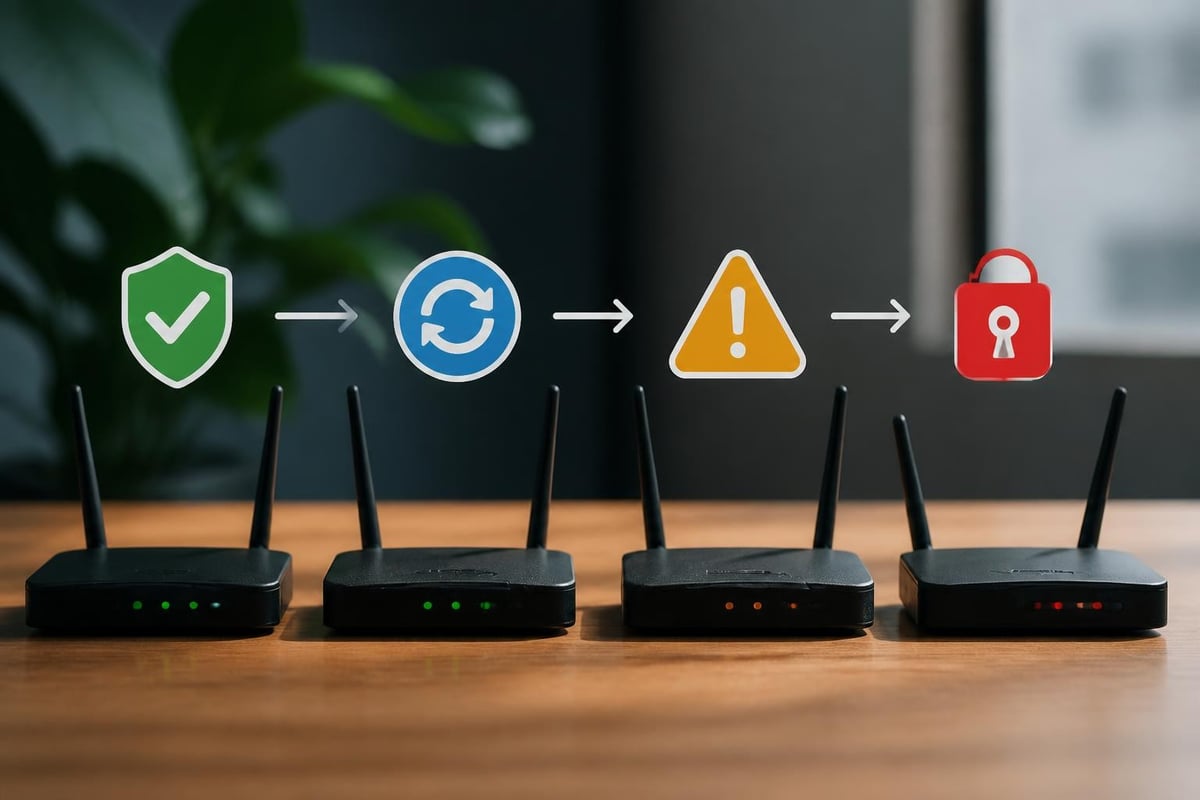
Perhaps the most dangerous hidden router scenario involves devices that manufacturers no longer support. Hackers specifically target outdated D-Link routers and other end-of-life models because known vulnerabilities will never be patched.
These abandoned devices operate as hidden time bombs on networks. Users may not realise their router reached end-of-life status, continuing to rely on it whilst attackers systematically exploit documented vulnerabilities.
Smart Home Hub Integration Risks
The proliferation of smart home devices adds another dimension to hidden router security concerns. Modern routers increasingly function as control points for entire ecosystems of connected devices.
Convergence of IoT and Router Security
When routers serve dual purposes as network gateways and smart home hubs, security failures have cascading effects. Hidden security risks in smart home hubs and routers extend beyond individual devices to compromise entire home automation systems.
A hidden router vulnerability in these integrated systems might expose not just internet traffic but also door locks, security cameras, and environmental controls. The attack surface expands exponentially with each connected device.
Massive ISP Router Vulnerabilities
Large-scale security failures affecting hundreds of thousands of devices demonstrate the systemic nature of hidden router problems. Research has shown that at least 700,000 routers given to customers by ISPs contain exploitable vulnerabilities.
These widespread vulnerabilities often stem from:
- Shared firmware across multiple device models
- Inadequate security testing before deployment
- Delayed patch distribution processes
- User resistance to firmware updates
The scale of these exposures transforms individual hidden router vulnerabilities into internet-wide security incidents affecting millions of users simultaneously.
Implementing Effective Router Security
Protecting against hidden router vulnerabilities requires a comprehensive approach addressing multiple security layers simultaneously. Basic measures form the foundation, whilst advanced configurations provide defence in depth.
Essential Security Hardening Steps
Immediate actions to secure any router:
- Change default administrative credentials to strong, unique passwords
- Update firmware to the latest available version
- Disable WPS (Wi-Fi Protected Setup) functionality
- Enable WPA3 encryption or WPA2 at minimum
- Disable remote administration unless absolutely necessary
- Review and disable unnecessary services (UPnP, Telnet, FTP)
- Implement MAC address filtering for known devices
- Configure automatic firmware update checks
Network Segmentation Strategies
Creating separate network segments isolates potential breaches and limits damage from compromised devices. Guest networks should operate completely isolated from primary networks containing sensitive devices.
| Network Segment | Purpose | Security Level |
|---|---|---|
| Primary Network | Trusted devices and computers | Highest |
| IoT Network | Smart home devices | Medium |
| Guest Network | Visitor access | Lowest/Isolated |
This segmentation ensures that even if a hidden router vulnerability allows access to one segment, attackers cannot pivot to more sensitive areas without additional authentication barriers.

VPN Router Solutions for Enhanced Protection
Addressing hidden router vulnerabilities comprehensively often requires going beyond standard consumer devices. Pre-configured VPN routers provide an additional security layer that encrypts all network traffic before it leaves your premises.
For users seeking robust protection without complex configuration, pre-configured VPN routers offer plug-and-play solutions that secure every device on your network simultaneously. These devices come pre-loaded with security-focused firmware and regularly updated protocols like WireGuard and OpenVPN.
VPN routers eliminate several hidden router concerns by:
- Encrypting all traffic regardless of individual device capabilities
- Providing firmware maintained specifically for security
- Offering configuration interfaces designed for privacy
- Supporting multiple VPN protocols for flexibility
Advanced Configuration Options
Beyond basic VPN functionality, security-conscious users should explore additional router capabilities that enhance protection against hidden vulnerabilities.
Advanced features worth implementing:
- DNS over HTTPS (DoH) or DNS over TLS (DoT) to encrypt DNS queries
- Intrusion Detection/Prevention Systems (IDS/IPS) for active threat monitoring
- Custom firewall rules tailored to your specific network topology
- Regular automated backups of router configurations
- Logging and monitoring of connection attempts
Monitoring and Maintenance Protocols
Security is not a one-time configuration but an ongoing process requiring regular attention. Establishing monitoring protocols helps detect when hidden router vulnerabilities might be under active exploitation.
Regular Security Audits
Monthly security audits should examine connected devices, review logs for suspicious activity, verify firmware versions, and test backup procedures. Quarterly audits should additionally assess whether the router model remains supported by its manufacturer and evaluate whether newer security features have become available.
Monthly checklist items:
- Review connected device list for unauthorised entries
- Check for available firmware updates
- Audit administrative access logs
- Verify firewall rule effectiveness
- Test VPN functionality and connection speeds
- Confirm DNS settings remain properly configured
Firmware Update Strategies
Firmware updates patch known vulnerabilities but can occasionally introduce instability. Balancing security with reliability requires a methodical approach to updates.
Apply critical security patches immediately upon release. For feature updates and minor revisions, wait 7-10 days to ensure no widespread issues emerge before updating production networks. Always maintain configuration backups before applying any firmware update to enable quick recovery if problems occur.
Replacement Timing and Device Selection
Knowing when to replace a router proves as important as maintaining it properly. Several indicators suggest a device has become a hidden router security liability.
End-of-Life Considerations
Replace routers immediately when manufacturers announce end-of-life status or when devices exceed five years of age without recent security updates. Performance degradation, especially in handling modern encryption protocols, also signals replacement necessity.
Signs requiring immediate router replacement:
- Manufacturer discontinues security updates
- Device age exceeds five years
- Firmware hasn't been updated in 18+ months
- Router cannot support WPA3 encryption
- Performance struggles with current bandwidth demands
- Known vulnerabilities exist without available patches
Selecting Secure Replacement Hardware
When replacing a potentially vulnerable hidden router, prioritise devices from manufacturers with proven track records for security updates and transparent communication about vulnerabilities. Open-source firmware compatibility provides additional security options through projects like OpenWRT or DD-WRT.
Evaluate whether integrated VPN functionality meets your needs or whether dedicated VPN router hardware provides better long-term security. Consider the total cost of ownership including ongoing support rather than simply initial purchase price.
Enterprise-Grade Features for Home Networks
As remote work blurs the line between home and office networks, enterprise-grade security features increasingly benefit residential users. Features once reserved for corporate environments now appear in consumer-friendly implementations.
Zero Trust Architecture Principles
Applying zero trust principles to home networks means treating all devices as potentially compromised until proven otherwise. This approach mitigates risks from hidden router vulnerabilities by assuming breaches will occur and limiting their impact.
Implementation involves requiring authentication for all network access, encrypting all traffic regardless of source, logging all connection attempts, and segmenting networks by device trust level. These measures create multiple barriers between attackers and sensitive data.
Regulatory Compliance and Legal Considerations
Organisations operating from home offices must consider whether hidden router vulnerabilities could create compliance issues under data protection regulations. GDPR, CCPA, and industry-specific regulations often mandate reasonable security measures.
A compromised home router containing hidden vulnerabilities could expose customer data, violate compliance requirements, and create legal liability. Documentation of security measures, including router configurations and update schedules, demonstrates due diligence.
Professional vs Consumer Device Standards
Professional obligations may necessitate commercial-grade equipment rather than consumer devices. Business-class routers typically offer extended warranty periods, guaranteed security update timelines, compliance certifications, and vendor support contracts.
| Feature | Consumer Router | Business Router |
|---|---|---|
| Security Update Commitment | 1-2 years typical | 5+ years guaranteed |
| Support Response Time | Community forums | 24-48 hour SLA |
| Compliance Certifications | Rare | Common |
| Warranty Period | 1 year | 3-5 years |
Understanding hidden router vulnerabilities and implementing comprehensive security measures protects your network from increasingly sophisticated threats. From avoiding the SSID hiding myth to addressing firmware vulnerabilities and replacing end-of-life devices, a methodical approach to router security creates robust defences against modern attacks. U Shield VPN provides pre-configured VPN routers that eliminate many hidden security concerns through expert configuration, regular updates, and enterprise-grade encryption technologies like WireGuard and OpenVPN, offering plug-and-play protection for every device on your network without requiring technical expertise.
