






Your IP address functions as your digital fingerprint, revealing your location, internet service provider, and browsing patterns to websites, advertisers, and potential cyber threats. Understanding how hide my IP address has become essential for anyone concerned about online privacy, security, or unrestricted access to content. Whether you're working remotely, streaming international content, or simply protecting your personal data from unwanted surveillance, masking your IP address provides a fundamental layer of digital protection that every internet user should consider implementing in 2026.
Understanding IP Addresses and Privacy Risks
An IP address serves as a unique identifier assigned to every device connected to the internet. This numerical label enables communication between devices but simultaneously creates privacy vulnerabilities.
What Your IP Address Reveals
Your IP address discloses more information than most people realize. Websites and online services can determine your approximate geographical location, often accurate to within a few miles. Internet service providers (ISPs) can monitor your browsing activity, creating detailed profiles of your online behaviour. What your IP address reveals about you extends beyond simple location data to include timezone information, browsing patterns, and device details that marketing companies exploit for targeted advertising.
Common risks associated with exposed IP addresses include:
- Targeted cyber attacks and DDoS threats
- Location-based price discrimination
- ISP throttling based on activity
- Government surveillance and data retention
- Unwanted tracking by advertisers and data brokers

Legal and Practical Considerations
Privacy expectations have evolved significantly, with data protection regulations like GDPR establishing rights to anonymity. Knowing how hide my IP address supports compliance with these privacy standards whilst protecting against potential risks from IP address exposure.
The practical implications extend to everyday activities. Streaming services impose geographical restrictions based on IP addresses. E-commerce platforms adjust pricing according to your location. Even job applications and college admissions processes may incorporate location-based filtering that disadvantages certain applicants.
Primary Methods to Hide Your IP Address
Several proven techniques exist for masking your IP address, each offering distinct advantages depending on your specific requirements and technical expertise.
Virtual Private Networks (VPNs)
VPNs represent the most comprehensive solution for IP address masking. These services create encrypted tunnels between your device and remote servers, routing all internet traffic through intermediary locations that replace your original IP address with one from the VPN server.
Key VPN advantages:
- Complete traffic encryption – Protects data from ISP monitoring
- Multi-device compatibility – Supports smartphones, computers, tablets
- Server location flexibility – Access IP addresses from dozens of countries
- Additional security features – Kill switches, DNS leak protection, split tunneling
Modern VPN protocols like WireGuard and OpenVPN deliver exceptional speed whilst maintaining robust security. Using VPNs to hide your IP address has become the gold standard for privacy-conscious users seeking reliable protection.
| VPN Feature | Security Benefit | Performance Impact |
|---|---|---|
| WireGuard Protocol | Modern encryption with smaller codebase | Minimal speed reduction (5-10%) |
| OpenVPN | Battle-tested security, wide compatibility | Moderate impact (15-25%) |
| Kill Switch | Prevents IP leaks if connection drops | No performance impact |
| DNS Protection | Stops DNS-based tracking | Negligible impact |
Proxy Servers
Proxy servers function as intermediaries between your device and the internet, forwarding requests and masking your original IP address. Unlike VPNs, proxies typically don't encrypt traffic, making them faster but less secure.
Different proxy types serve various purposes. HTTP proxies work exclusively for web browsing. SOCKS proxies handle diverse traffic types including email and file transfers. Transparent proxies don't hide your IP address but cache content for faster access.
Proxy limitations to consider:
- No encryption for sensitive data
- Single-application coverage (usually browser-only)
- Unreliable free services with logging concerns
- Slower speeds on congested public proxies
The Tor Network
Tor provides maximum anonymity by routing traffic through multiple volunteer-operated nodes, encrypting data at each stage. This "onion routing" approach makes tracing activity back to your original IP address exceptionally difficult.
However, Tor's sophisticated privacy measures come with significant performance penalties. Websites load slowly due to multiple relay points. Many services block Tor exit nodes, limiting accessibility. The network suits high-privacy scenarios like investigative journalism or sensitive communications rather than everyday browsing or streaming.
VPN Router Solutions for Comprehensive Protection
Understanding how hide my IP address at the network level rather than individual devices offers substantial advantages for households and small businesses. VPN routers integrate privacy protection directly into your internet infrastructure.
Network-Wide IP Masking
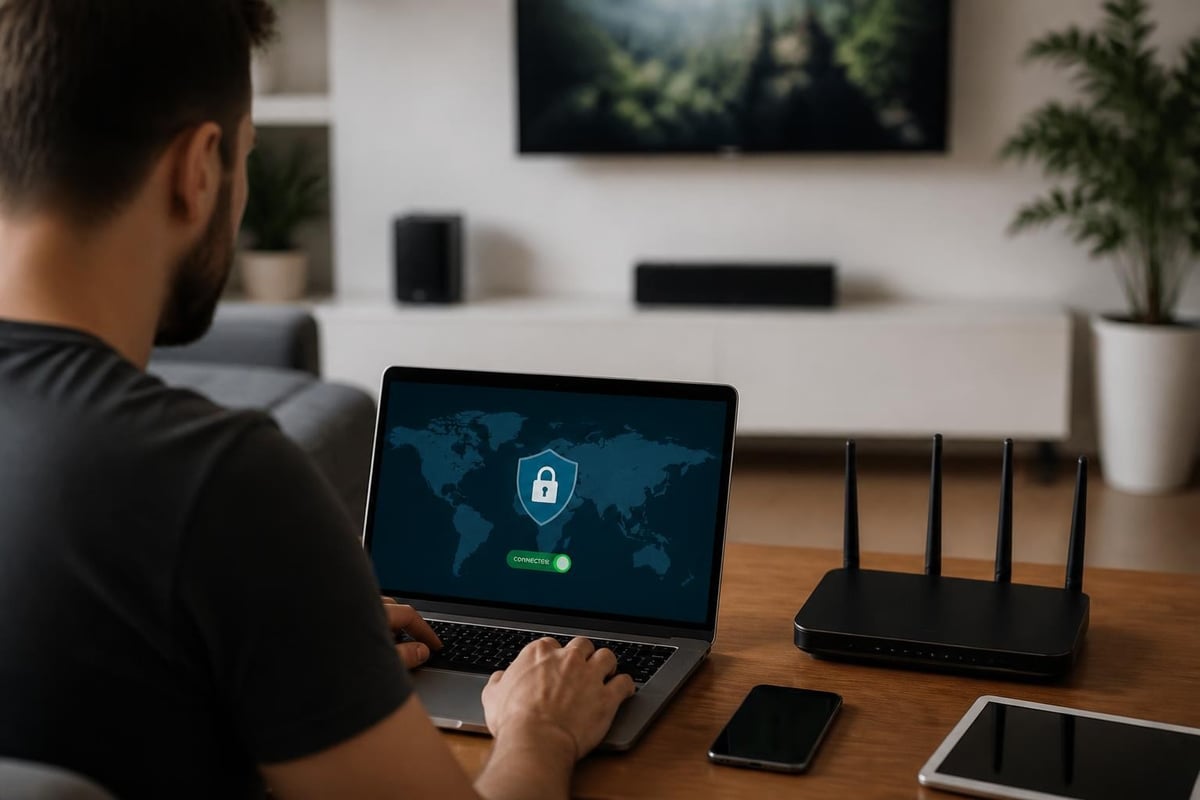
Traditional VPN software requires installation and configuration on each device. Smart TVs, gaming consoles, and IoT devices often lack native VPN support, leaving these endpoints exposed. A VPN router solves this limitation by encrypting all traffic at the gateway level before it reaches the internet.
Every device connecting to your network automatically benefits from IP address masking without individual configuration. This approach proves particularly valuable for:
- Smart home ecosystems – Protect thermostats, cameras, voice assistants
- Gaming consoles – Access region-locked content and reduce lag
- Streaming devices – Bypass geographical restrictions on all platforms
- Guest networks – Ensure visitor traffic maintains privacy
Pre-configured VPN routers eliminate the technical complexity of router setup, arriving ready to connect with optimal settings for security and performance.
Performance Considerations
Router-based VPN protection requires hardware capable of handling encryption overhead without bottlenecking internet speeds. Modern routers with dedicated VPN processors maintain throughput whilst managing security protocols.
| Router Capability | Recommended For | Expected Performance |
|---|---|---|
| Entry-level VPN router | Basic browsing, email | 50-100 Mbps |
| Mid-range VPN router | Streaming HD, moderate gaming | 100-300 Mbps |
| High-performance VPN router | 4K streaming, competitive gaming | 300-600+ Mbps |
WireGuard protocol implementation on routers delivers superior speeds compared to older protocols, making it the preferred choice for bandwidth-intensive activities.
Step-by-Step Implementation Guide
Implementing IP address protection requires systematic planning based on your specific privacy requirements and technical comfort level.
Assessing Your Privacy Needs
Begin by evaluating which devices require protection and what activities demand privacy. Remote workers handling confidential data need comprehensive coverage. Casual browsers might manage with selective protection.
Privacy requirement assessment:
- Identify sensitive activities – Banking, medical research, confidential communications
- List all internet-connected devices – Include forgotten IoT devices
- Determine geographical needs – Required server locations for content access
- Evaluate performance requirements – Bandwidth needs for streaming, gaming
Choosing the Right Method
Different scenarios demand specific solutions when learning how hide my IP address effectively. Security.org outlines various techniques suitable for diverse use cases.
Quick protection – Browser-based VPN extensions provide immediate IP masking for non-sensitive browsing. These lightweight solutions work within minutes but offer limited security.
Comprehensive security – Full VPN applications protect all device traffic with robust encryption. Installation takes 5-10 minutes per device with configuration options for advanced users.
Whole-network privacy – VPN routers deliver set-and-forget protection requiring one-time setup that protects current and future devices automatically.
Configuration Best Practices
Proper configuration maximizes privacy whilst maintaining usable internet speeds. Start with recommended settings before adjusting based on experience.
Enable kill switches to prevent IP address leaks if VPN connections drop unexpectedly. Activate DNS leak protection to ensure DNS queries route through encrypted tunnels. Test your setup using IP checker websites to verify your actual IP address remains hidden.
Testing your IP protection:
- Visit IP checking services before and after VPN activation
- Verify DNS requests aren't leaking through unencrypted channels
- Confirm WebRTC doesn't expose your real IP address
- Test connection speeds to ensure acceptable performance
Advanced Privacy Techniques
Beyond basic IP masking, sophisticated users implement layered security approaches that combine multiple privacy technologies.
Multi-Hop VPN Connections
Multi-hop configurations route traffic through sequential VPN servers in different countries, creating multiple layers of IP address masking. Your internet traffic passes through Server A in Switzerland, then Server B in Singapore, before reaching its destination. This approach significantly complicates traffic analysis but reduces speeds proportionally.

Chain configurations work best for extremely sensitive communications where privacy outweighs performance concerns. Financial researchers, investigative journalists, and whistleblowers benefit from this enhanced protection.
Combining VPNs with Tor
Advanced users occasionally combine VPN services with Tor networking for maximum anonymity. Two primary configurations exist: VPN-over-Tor and Tor-over-VPN.
VPN-over-Tor connects to Tor first, then establishes VPN connection through Tor network. This prevents VPN providers from knowing your real IP address but requires VPN services supporting Tor connections.
Tor-over-VPN routes traffic through VPN before entering Tor network. Your ISP sees VPN traffic rather than Tor connection, potentially avoiding Tor-usage flags whilst protecting against malicious Tor exit nodes.
Regular IP Address Rotation
Static IP addresses from VPN servers can eventually associate with your activity patterns. Regular rotation disrupts this correlation. Configure automatic server switching every few hours or manually change locations between browsing sessions.
Rotation strategies:
- Time-based switching every 2-4 hours
- Activity-based changes between different tasks
- Random server selection from preferred regions
- Dedicated IPs only when absolutely necessary
Mobile Device IP Protection
Smartphones and tablets present unique challenges for IP address privacy due to constant connectivity and location-based services.
Mobile VPN Applications
Dedicated mobile VPN apps provide on-the-go IP masking for cellular and Wi-Fi connections. Modern applications minimize battery drain whilst maintaining persistent protection. Background operation ensures continuous privacy even when switching between networks.
Mobile-specific features to prioritize:
- Automatic Wi-Fi protection on untrusted networks
- Data usage monitoring and compression
- Battery optimization modes
- Split tunneling for selective app protection
Public Wi-Fi Considerations
Public networks in cafés, airports, and hotels create heightened security risks. These open networks allow other users to potentially monitor unencrypted traffic and discover your real IP address.
Always activate VPN protection before connecting to public Wi-Fi. How-To Geek discusses effective methods including VPN usage as essential for public network security. This prevents man-in-the-middle attacks and ensures your actual IP address remains concealed from network administrators and malicious actors.
Common Mistakes and How to Avoid Them
Even experienced users occasionally implement IP masking incorrectly, creating privacy vulnerabilities despite their protective efforts.
DNS and WebRTC Leaks
DNS leaks occur when DNS queries bypass VPN tunnels, revealing browsing activity to ISPs despite IP address masking. WebRTC enables browser-based real-time communication but can expose your actual IP address through peer-to-peer connections.
Leak prevention checklist:
- Enable VPN provider's DNS servers exclusively
- Disable WebRTC in browser settings or use blocking extensions
- Test regularly using leak detection websites
- Configure IPv6 protection or disable if unsupported
Free VPN Pitfalls
Free VPN services frequently monetize through data collection, selling browsing information to advertisers and defeating the privacy purpose. Many lack proper encryption, provide limited server options, and impose restrictive bandwidth caps.
Budget-conscious users seeking legitimate free options should consider trials from reputable providers rather than permanently free services with questionable privacy policies.
Inconsistent Protection
Partial protection creates false security confidence. Users might protect computers whilst leaving smartphones exposed, or activate VPNs for banking but not for general browsing that still reveals patterns.
Develop consistent habits around IP protection. Automate VPN connections on device startup. Use network-level protection to eliminate gaps in coverage across different devices and use cases.
Verifying Your IP Protection
Regular verification confirms your IP masking efforts function correctly and haven't developed vulnerabilities over time.
Testing Methodologies
Multiple online tools detect your visible IP address and identify potential leaks. Visit these services both with and without protection to confirm proper masking.
| Test Type | What It Checks | Recommended Frequency |
|---|---|---|
| IP Address Checker | Visible IP and location | Each VPN connection |
| DNS Leak Test | DNS query routing | Weekly |
| WebRTC Leak Test | Browser-based IP exposure | After browser updates |
| Speed Test | Connection performance | Monthly |
Record baseline speeds without VPN protection, then compare against protected speeds to monitor performance degradation over time.
Troubleshooting Common Issues
Connection failures occasionally interrupt IP protection. Kill switches should prevent traffic leaks during disconnections, but verify this functionality works as intended.
Speed problems often relate to server congestion or protocol selection. Experiment with different VPN servers and protocols to identify optimal configurations. Geographic proximity to servers generally improves speeds, though server load matters more than physical distance.
Blocked websites sometimes detect and restrict VPN traffic. Switching servers or protocols often resolves these blocks. Some VPN providers offer dedicated IP addresses or obfuscated servers specifically designed to bypass VPN detection.
Privacy Beyond IP Addresses
Comprehensive online privacy requires addressing multiple identifiers beyond IP addresses alone.
Browser Fingerprinting
Modern tracking techniques create unique profiles based on browser configuration, installed fonts, screen resolution, and dozens of other parameters. Even with IP address masking, browser fingerprinting can identify and track users across sessions.
Combat fingerprinting through privacy-focused browsers, regular browser configuration changes, and extensions that randomize fingerprint elements.
Cookie Management
Third-party cookies track users across websites, building detailed profiles independent of IP addresses. Regular cookie deletion disrupts this tracking, whilst browser settings can block third-party cookies entirely.
First-party cookies enable website functionality and shouldn't be blocked indiscriminately. Selective cookie management balances privacy with usability.
Account-Based Tracking
Logging into services like Google or Facebook enables tracking that persists regardless of IP address changes. These platforms associate activity with account identities rather than network identifiers.
Separate browsing contexts help maintain privacy. Use dedicated browsers or profiles for logged-in activities versus anonymous browsing. Consider email aliasing services to avoid providing tracking-friendly identifiers during account creation.
Learning how hide my IP address effectively requires understanding multiple methods and implementing solutions matched to your specific privacy requirements. Whether through VPN applications, proxy services, or comprehensive router-based protection, masking your IP address forms an essential foundation for digital privacy in 2026. U Shield VPN offers pre-configured VPN routers that protect every device on your network automatically, eliminating the complexity of individual device setup whilst delivering enterprise-grade security through WireGuard and OpenVPN protocols. Take control of your online privacy today with network-wide protection that works the moment you connect.
