






Your IP address functions as a digital fingerprint that reveals your location, internet service provider, and online activities to websites, advertisers, and potential cyber criminals. Every device connected to the internet carries this unique identifier, making it essential to protect IP address information from unauthorised access and tracking. Understanding the risks associated with IP exposure and implementing robust protection strategies can significantly enhance your digital privacy and security across all your connected devices, whether you're working remotely, streaming content, gaming online, or simply browsing the web.
Understanding IP Address Vulnerabilities
An IP address serves as your device's unique identifier on the internet, similar to a postal address for your home. What an IP address reveals about you extends beyond simple location data-it can expose your internet service provider, approximate geographical position, browsing patterns, and potentially link your online activities to your real-world identity.
Common Threats to Your IP Address
Cybercriminals and malicious actors can exploit exposed IP addresses in numerous ways. These threats include:
- Targeted DDoS attacks overwhelming your connection with traffic
- Precise geolocation tracking revealing your physical location
- Port scanning to identify vulnerabilities in your network
- Bandwidth throttling by internet service providers
- Online profiling for invasive advertising and data collection
When you understand what someone can do with your IP address, the importance of protection becomes immediately apparent. Hackers can use your IP to launch sophisticated attacks, whilst advertisers track your movements across websites to build comprehensive profiles of your behaviour.

Why Network-Level Protection Matters
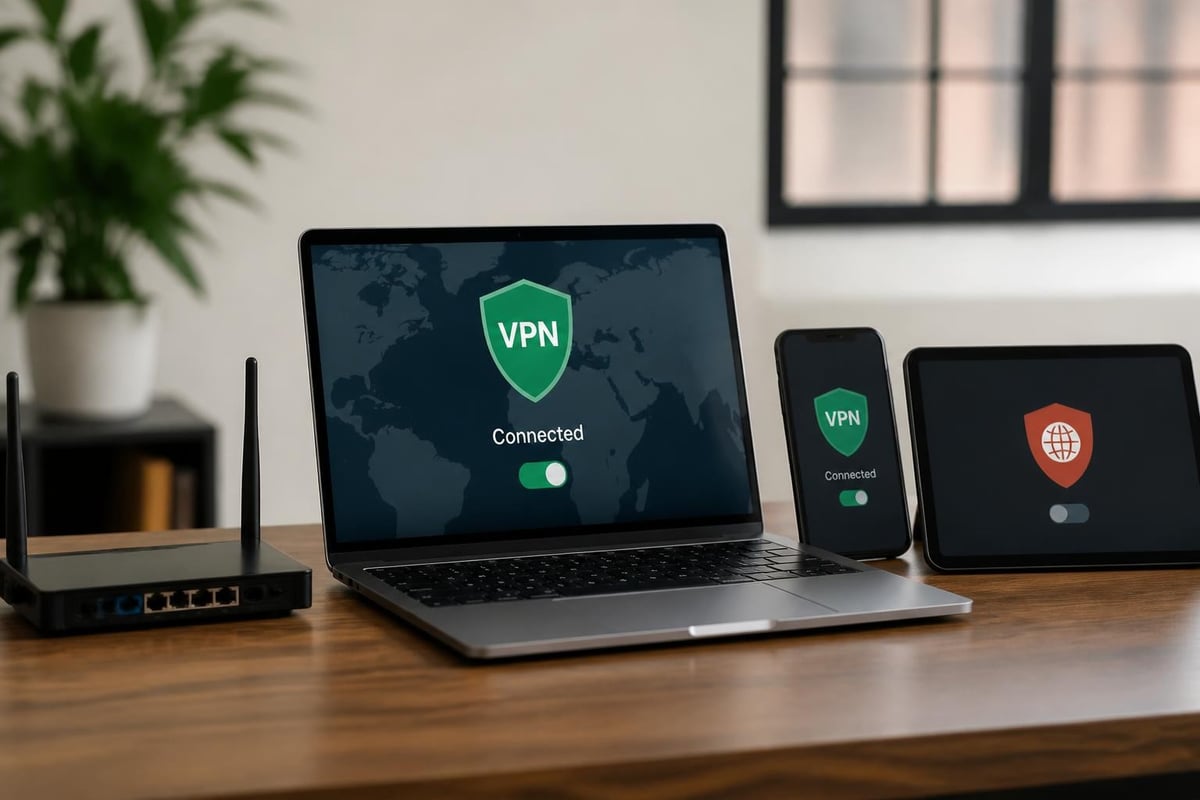
Protecting individual devices provides limited security when multiple gadgets connect to your network. Smart televisions, gaming consoles, mobile phones, tablets, and Internet of Things devices all transmit data using your IP address. A compromised IP affects every connected device simultaneously, making network-level protection essential for comprehensive security.
Modern households and businesses operate dozens of internet-connected devices. Each represents a potential vulnerability unless you protect IP address information at the network level rather than installing separate protection on individual devices.
Primary Methods to Protect IP Address Information
Several techniques exist to shield your IP address from exposure, each offering different levels of security, convenience, and performance. Selecting the right approach depends on your specific requirements, technical expertise, and the devices you need to protect.
Virtual Private Networks (VPNs)
VPNs represent the most effective method to protect IP address data across all your devices. Understanding how VPNs work reveals their fundamental approach: creating an encrypted tunnel between your device and a VPN server, masking your real IP address whilst replacing it with the server's IP address.
Key VPN benefits include:
- Military-grade encryption protecting data transmission
- IP address masking preventing location tracking
- Secure access to geo-restricted content
- Protection on public Wi-Fi networks
- Prevention of ISP throttling and monitoring
Modern VPN protocols like WireGuard deliver exceptional speeds whilst maintaining robust security. OpenVPN remains the gold standard for reliability and compatibility across different platforms and devices.
| VPN Protocol | Speed | Security | Compatibility | Best For |
|---|---|---|---|---|
| WireGuard | Excellent | Very High | Growing | Streaming, Gaming |
| OpenVPN | Good | Excellent | Universal | Business, Privacy |
| IKEv2/IPSec | Very Good | High | Mobile-friendly | Travel, Mobile |
For comprehensive household or business protection, pre-configured VPN routers offer significant advantages. Pre-configured VPN routers eliminate complex setup procedures, automatically protecting every device that connects to your network without requiring individual VPN installations on phones, tablets, smart TVs, or gaming consoles.
Proxy Servers and Their Limitations
Proxy servers route your internet traffic through intermediary servers, changing your visible IP address. However, they typically lack the encryption and security features that VPNs provide. Different proxy types serve distinct purposes:
- HTTP proxies work only for web browsing
- SOCKS proxies handle various traffic types but often lack encryption
- Transparent proxies may not hide your IP at all
Whilst proxies can help access geo-restricted content, they don't protect IP address information with the same thoroughness as VPNs. Most proxies leave your data vulnerable to interception and don't encrypt your connection.
Tor Network for Anonymous Browsing
The Tor network routes your connection through multiple volunteer-operated servers worldwide, making it extremely difficult to trace your original IP address. Each data packet passes through at least three randomly selected nodes, with each layer of encryption removed sequentially.
Tor advantages:
- Extremely high anonymity levels
- Free to use
- Protects against sophisticated tracking
Tor disadvantages:
- Significantly slower connection speeds
- Not suitable for streaming or gaming
- Some websites block Tor exit nodes
- Complex setup for network-wide protection
Tor excels at protecting whistleblowers, journalists, and individuals in restrictive regions but proves impractical for everyday activities requiring speed and convenience.
Implementing Network-Wide IP Protection
Individual device protection leaves gaps in your security coverage. Network-level solutions ensure every connected device benefits from IP address protection automatically, without configuration requirements or ongoing maintenance.
Router-Based VPN Solutions
Installing VPN protection directly on your router creates a security perimeter protecting all connected devices simultaneously. This approach offers several compelling advantages over device-by-device protection:
- Universal coverage: Every device connecting to your network receives automatic protection
- No device limits: Protect unlimited devices regardless of VPN subscription restrictions
- Simplified management: Configure once rather than managing multiple applications
- IoT device protection: Secure smart home devices that can't run VPN software
- Consistent protection: No risk of forgetting to activate protection on individual devices
Router-level VPN implementation traditionally required technical expertise and careful configuration. However, pre-configured VPN routers eliminate these barriers, offering plug-and-play protection that works immediately upon connection.
Advanced IP Protection Features
Modern VPN routers incorporate sophisticated features that enhance your ability to protect IP address information effectively:
Kill switch functionality immediately blocks internet access if the VPN connection drops, preventing accidental IP exposure. This proves essential for maintaining continuous protection during connection interruptions.
Split tunnelling allows selective routing of traffic through the VPN whilst permitting other applications to access the internet directly. This optimises performance for applications that don't require IP protection whilst maintaining security for sensitive activities.
Multi-protocol support enables switching between WireGuard, OpenVPN, and other protocols based on specific requirements, balancing speed, security, and compatibility.
Mobile and Travel IP Protection
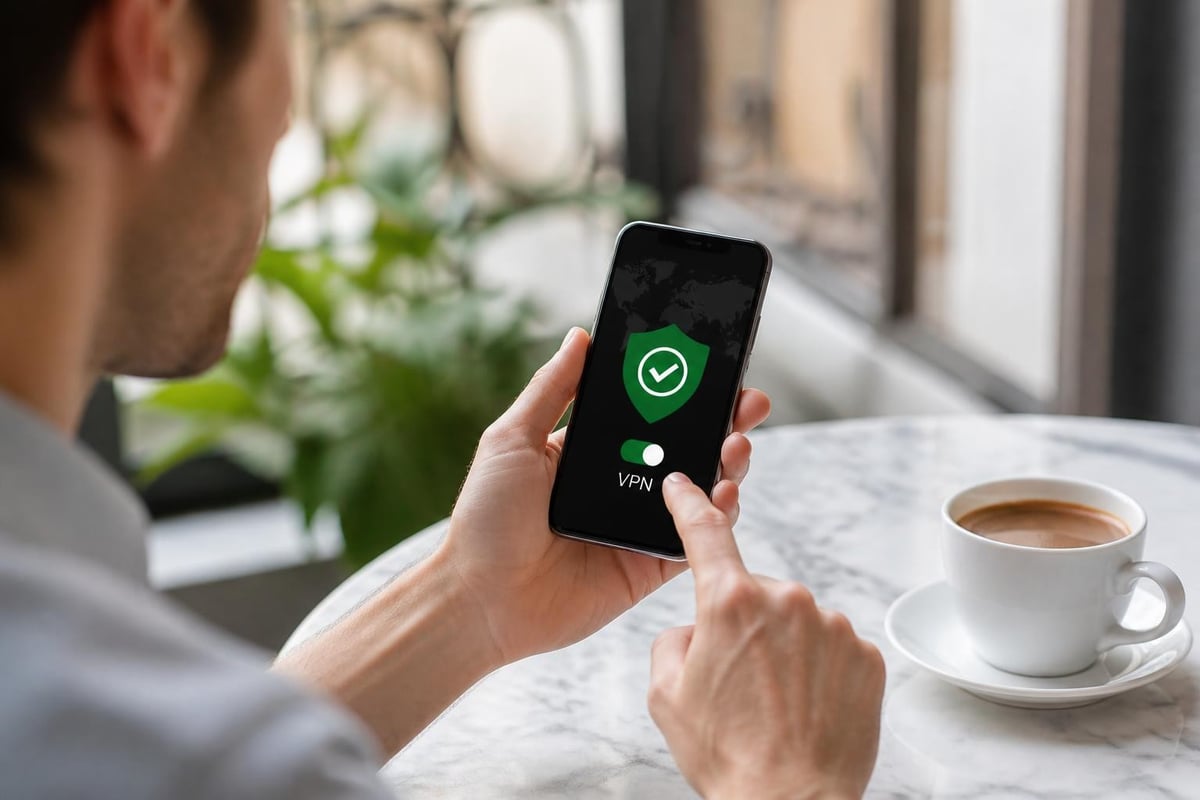
Protecting your IP address becomes particularly crucial when connecting to public Wi-Fi networks in cafés, airports, hotels, and other public venues. These networks frequently lack adequate security, enabling attackers to intercept unencrypted traffic and potentially compromise your data.
Securing Mobile Connections
Mobile devices face unique challenges when attempting to protect IP address information consistently:
- Battery drain from constant VPN operation
- Switching between Wi-Fi and cellular connections
- Public Wi-Fi vulnerability
- App-specific protection requirements
Dedicated mobile VPN applications address these challenges, though they consume battery power and require active management. Travel routers provide an alternative solution, creating secure Wi-Fi hotspots that protect all your devices when travelling.
Public Wi-Fi Risks
Public wireless networks present severe security risks. Operators can monitor your traffic, whilst malicious actors create fake hotspots to intercept communications. Kaspersky’s guide to hiding your IP emphasises the critical importance of VPN protection on public networks.
Public Wi-Fi threats include:
- Man-in-the-middle attacks intercepting data
- Packet sniffing capturing unencrypted information
- Malicious hotspots impersonating legitimate networks
- Session hijacking stealing authentication credentials
VPN protection encrypts your connection before data leaves your device, rendering these attacks ineffective even on completely compromised networks.
Business IP Protection Strategies
Businesses face heightened security requirements when protecting IP addresses and sensitive corporate data. Remote workers accessing company resources from home networks or public locations create potential vulnerabilities that sophisticated attackers actively exploit.
Remote Workforce Protection
The shift towards remote and hybrid work models has exponentially increased the importance of IP address protection. Employees connecting from various locations, networks, and devices require consistent security measures that don't impede productivity.
| Challenge | Without IP Protection | With IP Protection |
|---|---|---|
| Data interception | High risk on public Wi-Fi | Encrypted, secure transmission |
| Location tracking | Reveals employee locations | Masks real IP addresses |
| Corporate access | Vulnerable authentication | Secure tunnel to resources |
| Compliance | Potential violations | Meets regulatory requirements |
Businesses deploying VPN routers to remote employees ensure consistent protection regardless of the employee's technical expertise or diligence in activating protection software.
Compliance and Regulatory Considerations
Many industries face strict data protection regulations requiring organisations to protect IP address information and customer data. GDPR, HIPAA, PCI DSS, and other frameworks impose substantial penalties for data breaches resulting from inadequate security measures.
VPN protection demonstrates due diligence in protecting sensitive information, helping organisations meet compliance requirements whilst safeguarding customer trust. Detailed logging capabilities on business-grade VPN solutions provide audit trails necessary for compliance verification.
Choosing the Right IP Protection Solution
Selecting appropriate protection methods requires evaluating your specific requirements, technical capabilities, and the devices requiring protection. Methods to hide your IP address vary significantly in complexity, cost, and effectiveness.
Evaluation Criteria
Performance requirements: Streaming and gaming demand high-speed connections with minimal latency. WireGuard protocol typically delivers superior performance compared to older VPN technologies.
Device coverage: Households with numerous connected devices benefit from router-level protection rather than individual VPN subscriptions with device limits.
Technical expertise: Pre-configured solutions eliminate setup complexity, making robust protection accessible to users without networking knowledge.
Budget considerations: While individual VPN subscriptions appear economical initially, protecting multiple devices often proves more expensive than comprehensive router-based solutions.
Support requirements: Quality customer support becomes essential when troubleshooting connection issues or optimising performance for specific applications.
Common Implementation Mistakes
Many users compromise their IP protection through common configuration errors:
- Failing to enable kill switch protection
- Using outdated VPN protocols with known vulnerabilities
- Neglecting DNS leak protection
- Choosing VPN providers without no-logs policies
- Inconsistent protection across different devices
Professional pre-configured solutions address these vulnerabilities automatically, implementing best practices without requiring user intervention or technical knowledge.
Advanced Privacy Considerations
Protecting your IP address represents just one component of comprehensive digital privacy. Security.org’s comprehensive guide explores additional privacy measures that complement IP protection effectively.
DNS Leak Protection
DNS (Domain Name System) requests can expose your browsing activities even when using VPN protection. DNS leaks occur when DNS queries bypass the VPN tunnel, revealing visited websites to your internet service provider or DNS server operator.
Quality VPN solutions include DNS leak protection, routing all DNS requests through encrypted VPN tunnels. Regular testing ensures your protection remains effective and no information leaks around the VPN connection.
Browser Fingerprinting and Tracking
Websites employ sophisticated tracking techniques beyond simple IP address identification. Browser fingerprinting analyses your browser configuration, installed plugins, screen resolution, and numerous other characteristics to create unique identifiers.
Combining IP protection with privacy-focused browsers, tracking blockers, and regular cache clearing provides comprehensive protection against invasive tracking technologies.
WebRTC Leak Prevention
WebRTC (Web Real-Time Communication) enables peer-to-peer connections for video conferencing and file sharing but can inadvertently expose your real IP address even when connected to a VPN. Disabling WebRTC in browser settings or using VPN solutions with built-in WebRTC leak protection prevents this vulnerability.
Maintaining Long-Term IP Protection
Effective IP address protection requires ongoing attention rather than one-time configuration. Regular maintenance ensures your protection remains effective against evolving threats.
Regular Security Audits
Periodically testing your IP protection verifies that your real IP address remains hidden from websites and potential attackers. Numerous online tools check for:
- IP address leaks revealing your actual location
- DNS leaks exposing browsing activities
- WebRTC vulnerabilities bypassing VPN protection
- IPv6 leaks if your VPN doesn't support IPv6
Schedule monthly security audits to identify and address vulnerabilities promptly.
Software and Firmware Updates
VPN providers regularly release updates addressing newly discovered vulnerabilities and improving performance. Enabling automatic updates ensures you benefit from the latest security enhancements without manual intervention.
Router firmware updates similarly address security vulnerabilities and often improve VPN performance. Pre-configured VPN routers typically handle updates automatically, maintaining optimal security without requiring technical knowledge.
Monitoring Connection Stability
Intermittent VPN disconnections can temporarily expose your real IP address, compromising your privacy during these lapses. Quality VPN solutions include reconnection features that automatically re-establish protection after interruptions.
Monitoring tools alert you to connection issues, enabling prompt resolution before extended exposure occurs. Business users particularly benefit from detailed connection logging and monitoring capabilities.
Protecting your IP address has evolved from optional privacy enhancement to essential security requirement as cyber threats proliferate and online tracking intensifies. Whether you're safeguarding personal privacy, securing business communications, or protecting family members across multiple devices, implementing comprehensive IP protection delivers peace of mind and genuine security. U Shield VPN provides pre-configured VPN routers that protect every device on your network automatically, combining WireGuard and OpenVPN protocols with plug-and-play convenience for homes, businesses, and travellers seeking reliable protection without technical complexity.
